How to
Two steps from you. OneLake Guard does the rest.
Identity is service principal only (not managed identity). Nothing leaves your Fabric / Azure tenant — results stay in the Lakehouse you choose.
-
Deploy the container with a service principal
Install from Azure Marketplace (public or VNet-integrated ACI). Configure API_AUTH_KEY and service principal credentials for Fabric. Managed identity is not used.
-
Grant access to monitored workspaces + output Lakehouse
Assign the service principal Viewer on workspaces to monitor and Contributor on the output workspace / Lakehouse you selected.
Then OneLake Guard runs automatically
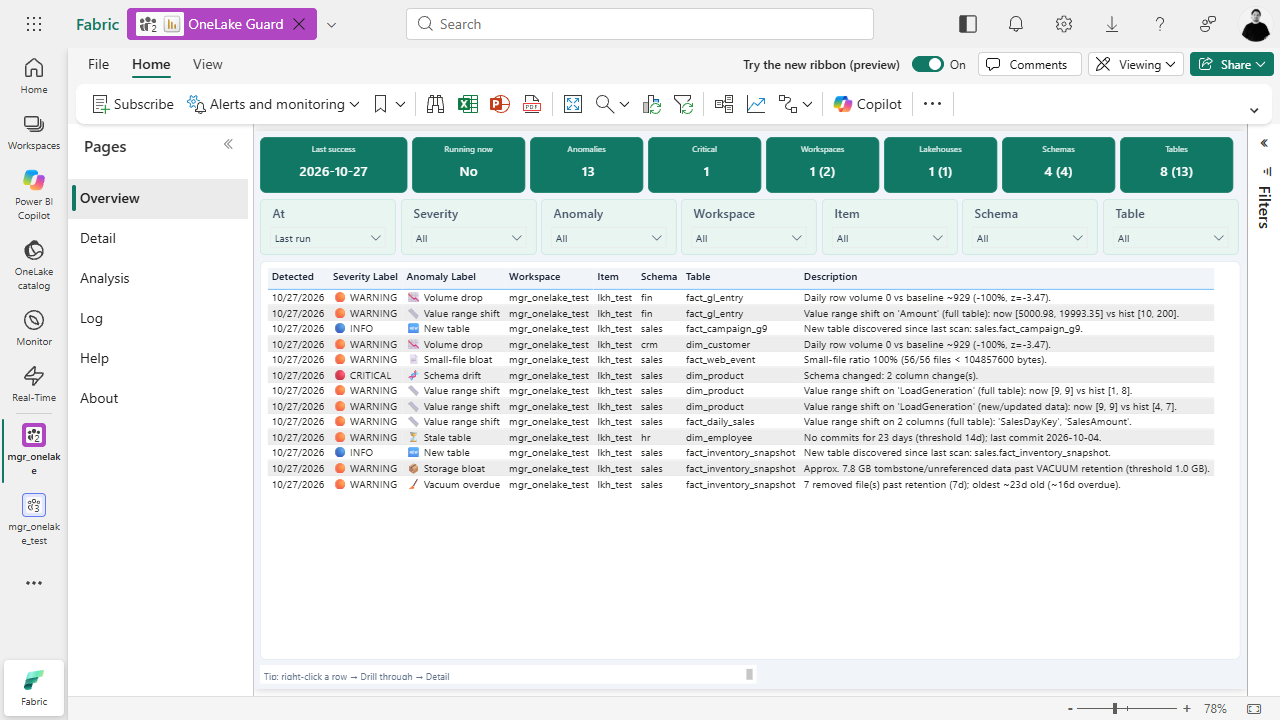
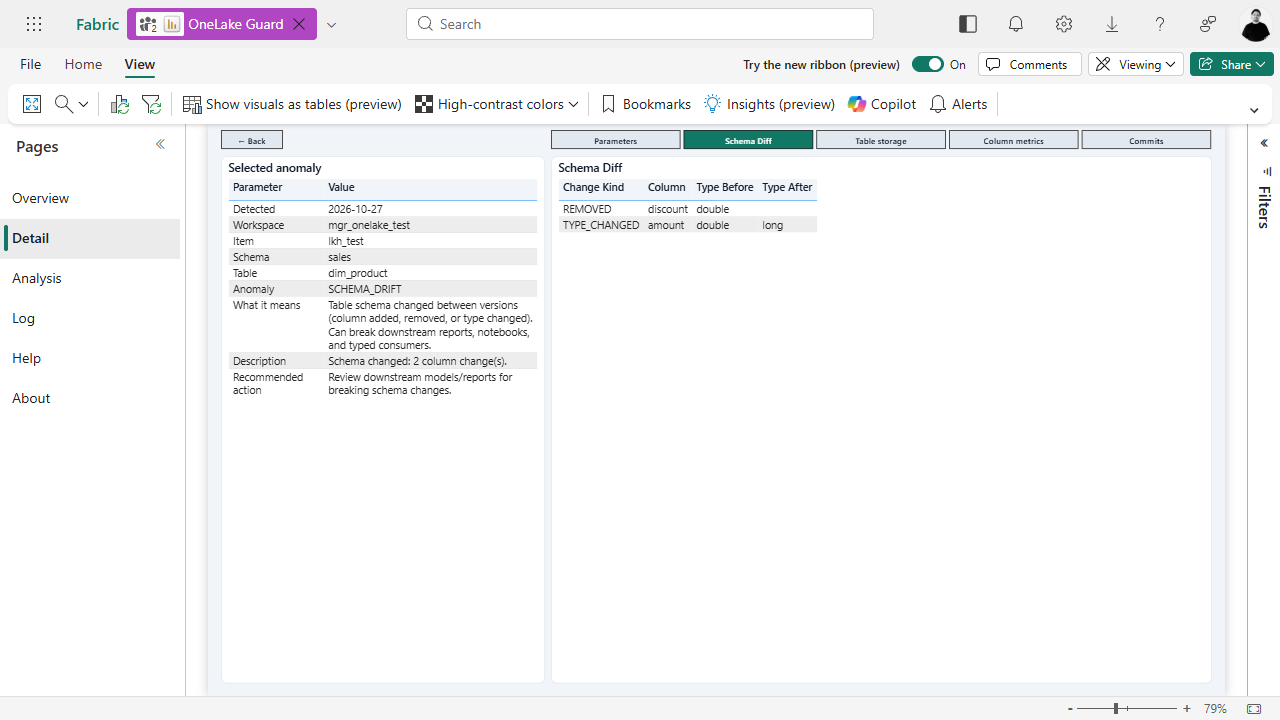
It discovers Delta tables, runs detectors, writes results back into the selected output Lakehouse, and surfaces them in the deployed Direct Lake Power BI report.
Nothing goes outside Fabric. No external SaaS data plane — scan output and the report stay in the customer’s Azure / Fabric environment.
Inside Fabric
Lakehouse + report in your workspace
Ready to install?
$49 / month license — container infra billed separately.